
A tag hidden in a bag can turn an ordinary trip home into a safety concern. Android Bluetooth tracking can help recover keys, luggage, earbuds, and lost phones, but it can also enable unwanted tracking when safeguards fail.
The safest approach is to understand what a tracker can see and strengthen your privacy and security settings. Turn on Android’s protective alerts, and treat unfamiliar monitoring software as a serious security issue. Start with the technology itself, because Bluetooth location reports are often mistaken for live GPS surveillance.
How Android Bluetooth tracking works
Bluetooth trackers do not usually know their own coordinates. Instead, they broadcast a short Bluetooth signal that a nearby phone can detect. A network may send limited location data to the tag owner’s account. Security and account controls vary by service, including whether it offers end-to-end encryption.
Bluetooth tags, beacons, earbuds, and nearby devices
A key finder broadcasts a Bluetooth identifier. When your phone is close enough, its companion app can help you make the tag ring. When the tag is out of Bluetooth range, participating Android phones may detect it. They may relay an approximate location through Google Find Hub.
The same radio technology supports wireless earbuds, smartwatches, car accessories, and retail beacons. A beacon can tell an app that a phone is nearby, such as at a museum exhibit or office entrance. It cannot create a useful location history unless an app or network records those encounters.
Google lists current Find Hub-compatible tags and devices, including accessories built for its Android-based crowdsourced network.
Bluetooth is different from GPS, cellular, and app tracking
Bluetooth trackers use short-range radio and aren’t equivalent to GPS surveillance. Their Bluetooth range changes with walls, vehicles, battery level, antenna design, and radio interference. A tag’s advertised range is not the same as its network coverage.
GPS calculates a device’s position from satellites. A phone then needs Wi-Fi, cellular data, or another connection to share that position remotely. Cellular location comes from a mobile carrier’s network, while app-based tracking depends on permissions, account access, and internet connectivity.
A crowd-network map pin is usually a last-seen report from a nearby device, not a continuous live GPS feed.
That distinction matters when assessing risk. A Bluetooth tag in a vehicle might reveal where it was recently detected. A compromised phone app with location permission can potentially report far more often.
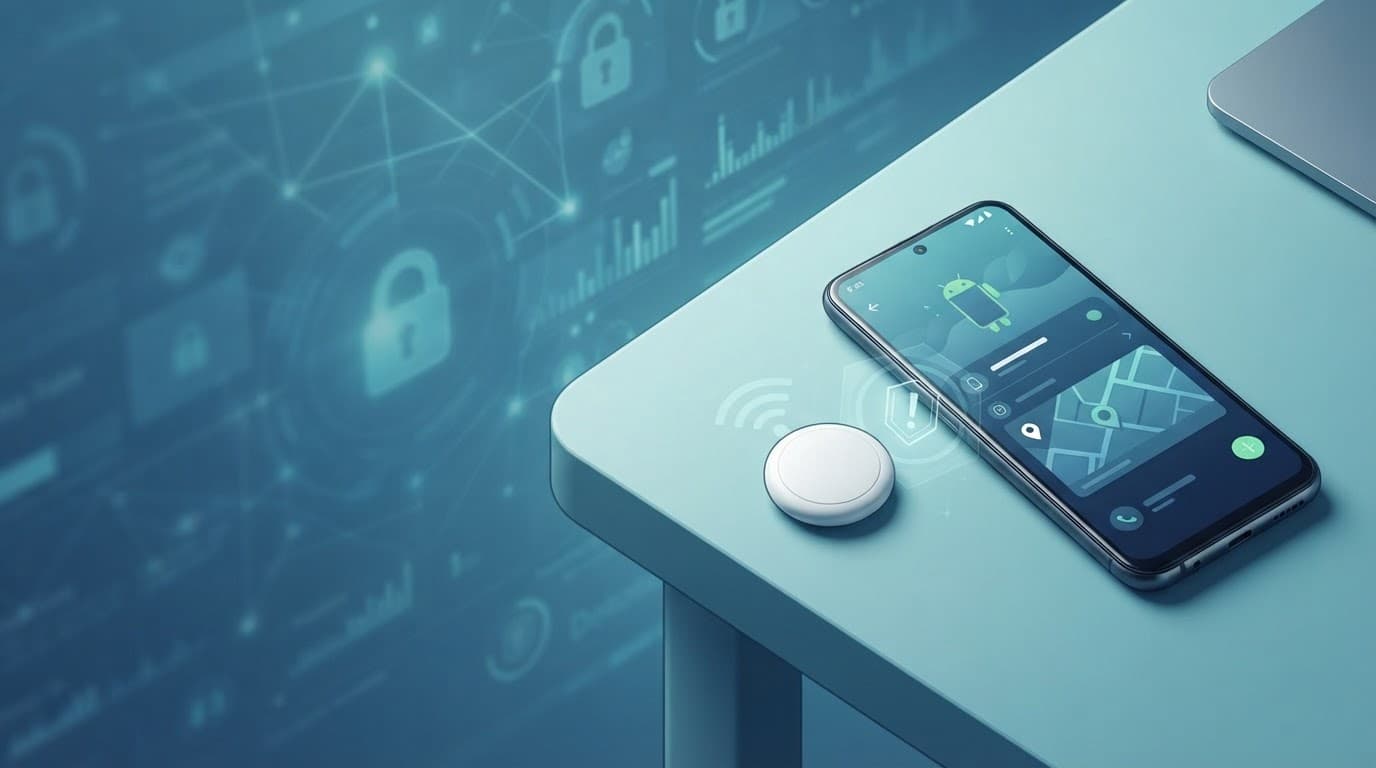
Choosing Bluetooth trackers for Android safely
The best tracker depends more on your phone and network than on the tag’s shape. Network reach determines whether a lost bag can be found far from your phone, which matters for luggage tracking. Ultra-wideband technology, or UWB, improves close-range direction and distance guidance, not crowdsourced coverage across town.
Google Find Hub, Moto Tag, and Android-wide support
For many non-Samsung Android owners, Moto Tag is a strong default for broad Android pairing. It works with the Find Hub network. Its UWB direction-finding feature requires both a UWB-capable tag and a compatible Android phone. The tag uses a replaceable battery, a CR2032 that Motorola rates for more than 500 days.
Find Hub relies on participating Android devices to spot Bluetooth signals away from the owner’s phone. That helps in cities, airports, transit stations, and campuses. However, reports can arrive slowly in rural areas or places with few passing Android devices.
Set up your own phone’s recovery tools too. Google’s lost Android device setup checklist recommends keeping Find Hub and device location enabled before a loss happens.
Samsung, Pebblebee, Tile, and AirTag limits
Samsung Galaxy SmartTag 2 is designed for Galaxy phones and tablets through SmartThings Find. It has BLE and UWB capabilities, but its full precision features need a UWB-enabled Galaxy device. It is not the right purchase for someone using a Pixel, OnePlus, or Motorola phone.
Pebblebee sells separate ecosystem versions. A Pebblebee Clip for Android works with Find Hub and has a rechargeable battery. Its iOS version uses Apple’s Find My network. Check the exact model before checkout.
Tile Pro uses the Tile and Life360 ecosystem, not Find Hub. Review its current privacy and account-sharing options before adding it to family belongings.
| Tracker option | Best fit | Network | Nearby finding and battery | Important limitation |
|---|---|---|---|---|
| Moto Tag | Most Android owners | Find Hub network | UWB on compatible phones, replaceable CR2032 | UWB needs supported Android hardware |
| Samsung Galaxy SmartTag 2 | Samsung Galaxy owners | SmartThings Find | UWB on supported Galaxy phones, replaceable coin cell | Full use is limited to Samsung’s ecosystem |
| Pebblebee Clip for Android | Find Hub users wanting a compact tag | Find Hub network | Bluetooth proximity guidance | Android and iOS versions are separate products |
| Tile Pro | People already using Tile or Life360 | Tile and Life360 | Bluetooth finding through Tile app | It does not use Find Hub or SmartThings Find |
| Apple AirTag | Apple device owners | Apple Find My | Precision Finding on supported iPhones | Android cannot set it up or manage it |
An Apple AirTag can trigger cross-platform unwanted-tracker protections. However, an Android-only household cannot use one as its primary item tracker.
Where Bluetooth privacy risks begin
Bluetooth trackers purchased for luggage or keys can be repurposed for unwanted tracking. The risk grows with an unsafe relationship, shared account access, or an unfamiliar app on the phone.
Unwanted tags and rogue accessories
Someone can conceal a Bluetooth tag in a bag, vehicle, coat pocket, or personal item. A used pair of earbuds, borrowed key ring, or gifted accessory may remain linked to someone else’s account. Reset second-hand accessories and confirm ownership before using them.
Android’s unknown tracker alerts look for compatible tags that appear to travel with you while separated from their owner. Keep Location enabled, since Google’s unknown tracker alert guidance says Location is needed for automated alerts.
An alert does not identify the person responsible. It means an unfamiliar tracker may have moved with you and deserves a careful response.
Malicious apps can create a deeper problem
A hidden tag has limits. A malicious app with location, accessibility, notification, microphone, or device-admin access can expose far more information than a tag. That creates deeper privacy and security risks.
It may track your phone’s GPS location, read notifications, monitor account activity, or interfere with security settings.
A commercial phone monitoring tool can be lawful on a company-owned or child’s device with clear permission from the owner. Transparent monitoring requires clear disclosure. Software marketed as a “mobile hacking tool” or covert spyware for Android and iPhone should raise immediate concern when it promises hidden installation, covert recording, or secret message access.
Bluetooth vulnerabilities are another risk, although most attacks require close physical proximity and an unpatched device. Reject unexpected pairing requests, avoid unknown accessories, and install security updates promptly.
Android privacy settings that reduce unwanted tracking risk
Android menus differ across Pixel, Samsung Galaxy, Motorola, and other manufacturers. Search Settings by name if the paths below differ on your phone.
Review Nearby devices, Bluetooth, and location access
On Android 12 and later, apps commonly request the Nearby devices permission group for Bluetooth scanning, connection, or advertising. That permission can let an app discover nearby accessories without always requesting precise location.
Review every app that has access to Nearby devices, Location, Notifications, Accessibility, and Device admin controls. Remove permissions from apps that no longer need them. A flashlight, wallpaper, or calculator app shouldn’t need continual access to location data or permission to connect to nearby devices.
Use these controls as a practical baseline:
- Keep Bluetooth off when you don’t need accessories, especially in unfamiliar settings.
- Leave Location on if you rely on automated unknown tracker alerts and phone recovery features.
- Search Settings for “Bluetooth scanning” and disable background scanning if you don’t need it for device discovery.
- Search Settings for unknown tracker alerts and confirm they’re enabled.
- Remove old earbuds, vehicles, speakers, and tags from Bluetooth paired-device lists.
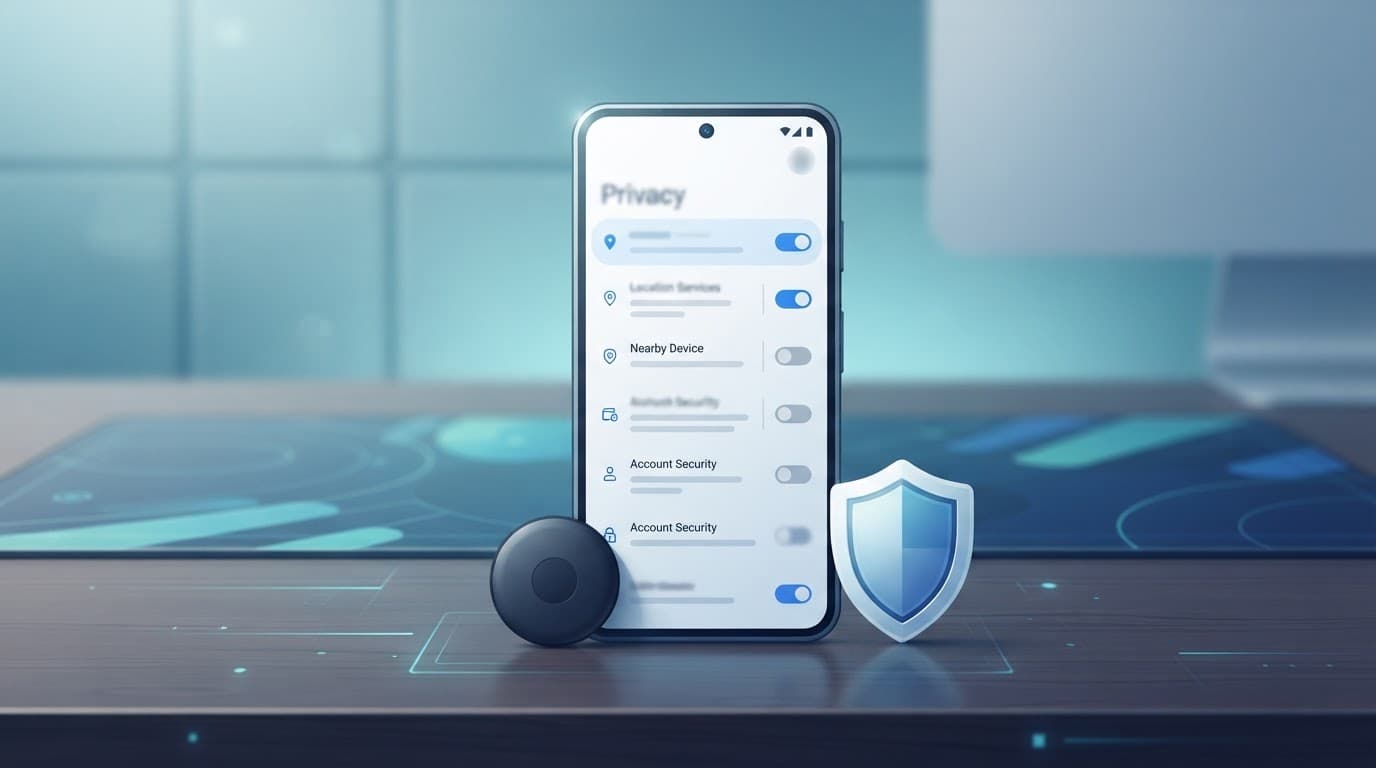
Protect the phone and the account behind it
Play Protect is not an unknown-tag detection system. It is an app safety layer that scans for harmful apps and warns about risky software. Keep it enabled and use Google Play Protect’s app safety guidance to check its status.
Install Android security updates as soon as your manufacturer provides them. Google’s Android security update resources explain how security bulletin fixes reach device makers and carriers.
Also protect the Google account attached to Find Hub. Use a unique password, review signed-in devices, remove old recovery methods, review retained location history, and turn on 2-Step Verification. If someone controls your Google account, tracker privacy settings alone can’t protect your location history.
What to do after unknown tracker alerts
Stay calm, but don’t dismiss an alert because you can’t see a tag immediately. Treat the alert as a safety signal. It may indicate possible unwanted tracking, but it doesn’t prove who placed the device. Android may need time to detect a device moving with you.
Check the alert without confronting anyone
Tap the notification and review the map showing where the tracker traveled with you. Google’s alert flow may let you play a sound on the tag. This doesn’t notify the tag owner, which can help you locate the device safely.
Check your bag, vehicle, outerwear, stroller, bicycle, and belongings that traveled with you along the reported route. If you’re in public or think someone is following you, move to a staffed location. Contact someone you trust or call local emergency services.
Preserve the alert map, route, device details, and photographs of the tag. This location data may matter if a pattern develops.
Respond safely if you find a tracker
Do not confront a suspected stalker alone. If immediate safety is at risk, call law enforcement and follow their instructions. If you can do so safely, save the alert information and other evidence before disabling the device.
Google’s instructions can show steps to identify and turn off a found tracker. Police may also advise how to preserve the tag as evidence. If the concern involves an abusive partner or former partner, read the FTC’s stalkerware safety guidance before deleting apps or changing settings that could alert an abuser.
A tracker alert does not rule out phone-based monitoring. Review unfamiliar apps, recent account logins, device administrators, accessibility services, VPNs, and notification access. Consider using a different trusted device for sensitive communications if you believe your phone is compromised.
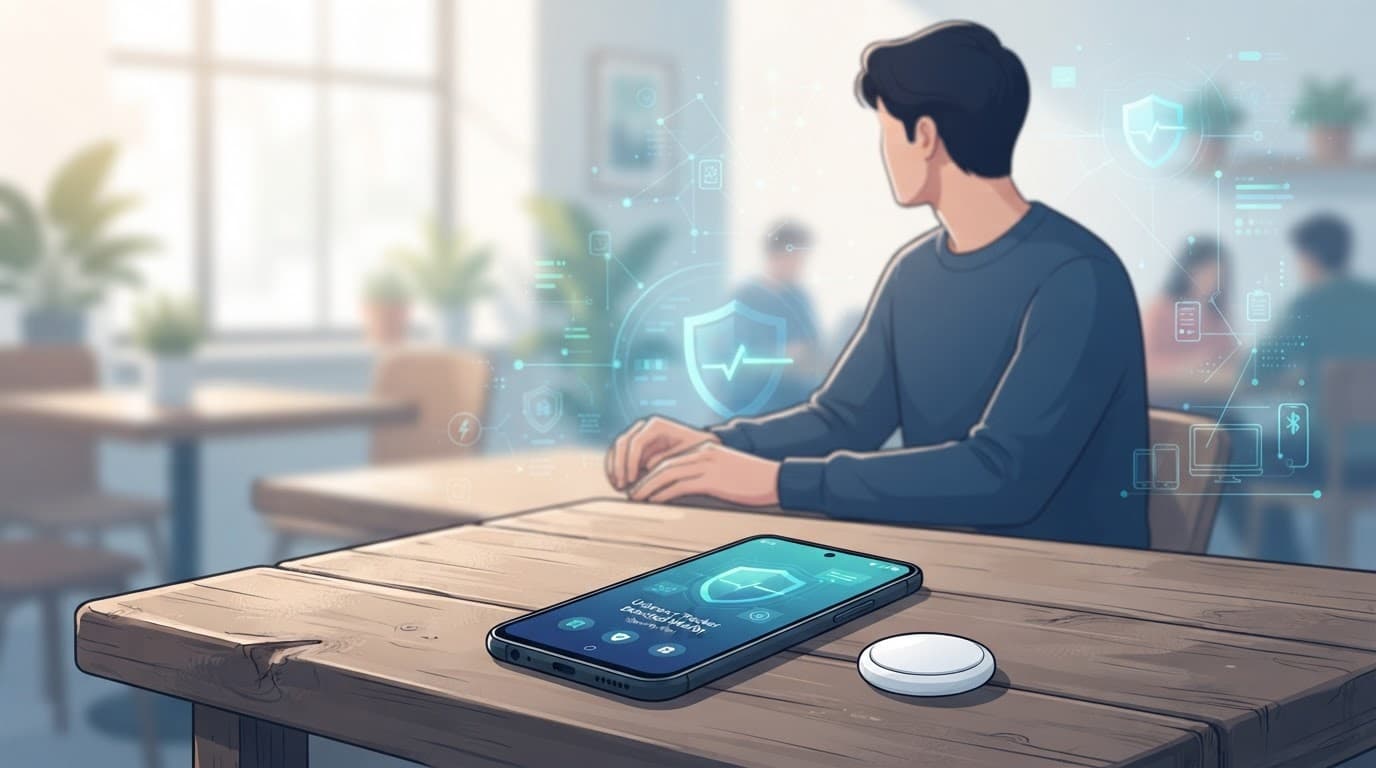
Safe rules for parents, employers, and IT teams
Location tools have legitimate uses, but secrecy turns a protective tool into a surveillance risk. Consent, clear notice, and limited collection should guide both privacy and security in every deployment.
Family tracking needs clear boundaries
Parents may use a shared location feature or a Bluetooth tag to help locate a young child’s backpack, medical device, or school keys. Explain what location information is collected, who can view it, and when the feature is active. Revisit those settings as the child gains independence.
Secretly monitoring another adult’s phone, car, messages, or account is unwanted tracking and may violate local privacy law. Shared family access should never bypass consent.
Company controls should stay on company devices
IT administrators can use Android Enterprise or mobile device management on organization-owned phones. Employees should receive written notice about location collection, device management, remote wipe, and security monitoring before enrollment.
Keep the policy narrow. Asset tags can protect high-value equipment, while a lost-device service can secure a company phone. Neither justifies hidden recording, covert keystroke logging, or personal message surveillance.
A simple security routine for Bluetooth and apps
A few recurring checks catch many avoidable problems. Schedule them after major Android updates, after installing new accessories, and whenever something on your phone feels wrong.
Monthly checks that take only a few minutes
- Review installed apps and uninstall anything you don’t recognize or no longer use.
- Check Nearby devices and Location permissions for apps that have no clear reason to need them.
- Confirm unknown tracker alerts and left behind alerts work where supported. Check that Find Hub, Play Protect, and automatic updates are enabled.
- Remove old Bluetooth pairings, especially rental-car systems and second-hand accessories.
- Review your Google account’s recent security activity and signed-in devices.
Buy accessories with security in mind
Choose Bluetooth trackers that support current unwanted-tracker protections and clearly document their network. Review the manufacturer’s documentation for end-to-end encryption rather than assuming every network offers the same protection. Confirm the network before buying, because a tag’s hardware is only useful if it works with your phone.
A replaceable battery reduces e-waste and avoids charging anxiety. A rechargeable battery can suit a wallet card. Before buying a rechargeable battery design, check its charging method, expected runtime, and replacement or charging costs.
UWB is useful for finding a tag under a sofa or inside a nearby room, but it doesn’t improve crowd-network coverage across town.
Key takeaways
Bluetooth tracking on Android can help recover property without collecting more personal data than necessary. Google Find Hub, unknown tracker alerts, sensible permissions, regular updates, and strong account security form an effective everyday defense.
Treat a tracker alert as a safety signal, not proof of who placed a device. Preserve information, avoid confrontation, and get help when stalking or phone compromise is possible.
FAQs
Which Bluetooth tracker is best for Android users?
Moto Tag is a strong choice for many Android users because it works with Google’s device-finding ecosystem and supports UWB on compatible phones. Samsung’s option may suit people who already use a recent Galaxy phone and SmartThings Find.
Does Samsung Galaxy SmartTag 2 work with non-Samsung Android phones?
No, SmartTag2 is designed for Samsung’s SmartThings Find ecosystem. Non-Samsung Android owners should choose a tracker compatible with Google’s Android ecosystem instead of relying on unofficial workarounds.
Can an Android user use Apple AirTag?
An Android phone can’t set up or manage it, or use Apple’s Find My network as a primary item-tracking system. Android can still provide protections against compatible trackers, but it isn’t a practical Android-first item tracker.
How does ultra-wideband technology improve tracker finding?
It can provide direction and distance guidance when the tracker and phone are nearby. Both devices need compatible UWB hardware, and the feature doesn’t replace the broader Bluetooth network used to find an item farther away.